
Faster pressers, smarter summaries, and share-ready exports
February 5, 2026
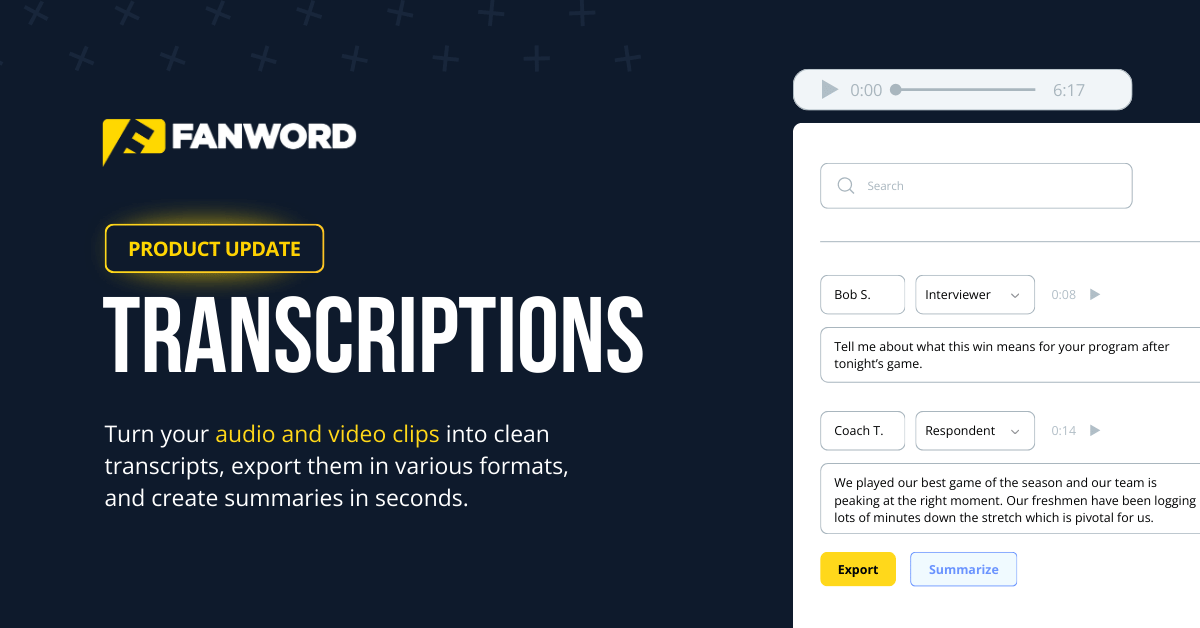
When we released Transcriptions last year, our team was focused on solving a major challenge for college sports communicators: tedious manual translation of audio to text.
Getting sound bytes from coaches and players while producing a readable output that helps SIDs create content faster proved to be a valuable tool for communicators in 2025. We’ve seen those transcriptions used for game recap quotes, story angles, podcast notes, and much more.
Today, we’re rolling out a handful of new features for Transcriptions, taking it to the next level.
What’s New in Transcriptions
1. Large video support (including long postgame pressers)
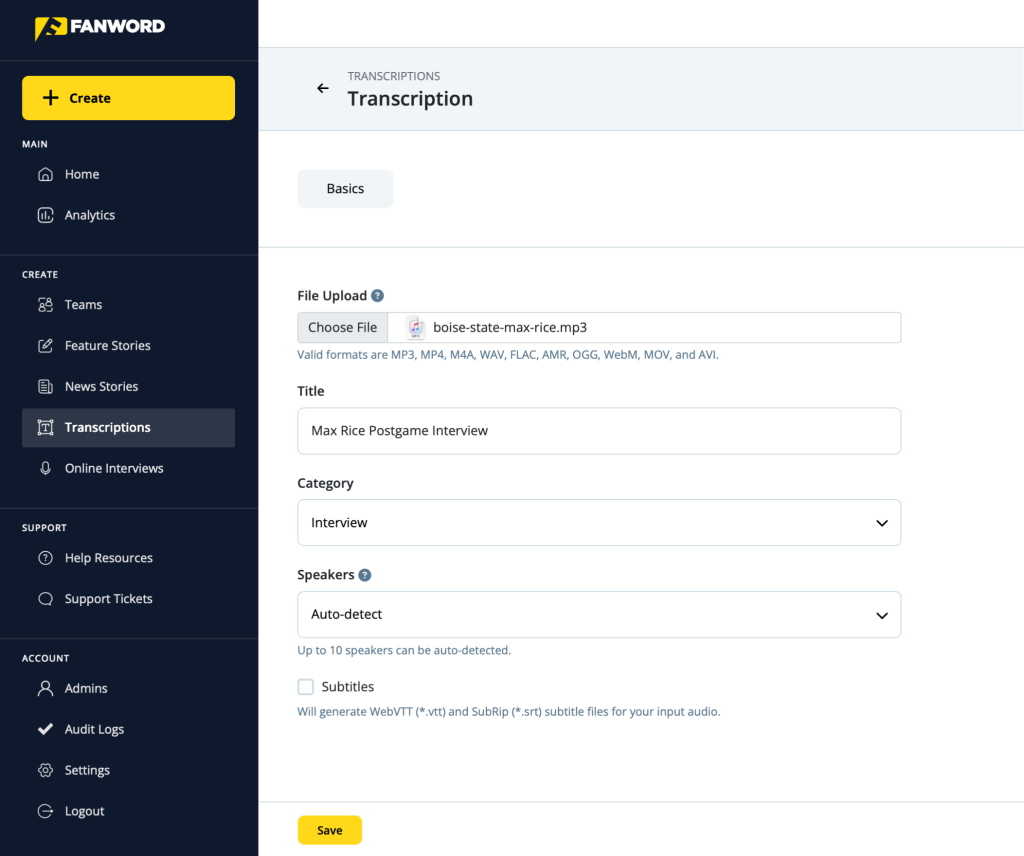
Transcriptions can now handle larger video files and long-form video sources — like a postgame press conference from YouTube — without the friction. Our process extracts the audio from video files (like .MP4, .MOV, and .AVI) and then transcribes the audio.
How to Start: To upload video files, begin by clicking on ‘Transcriptions’ in the navigation menu on the left side. In the ‘File Upload’ section, adding a video file initiates the same process as an audio file. Then you’ll add your title, category, and speakers (the default is auto-detect), before clicking ‘Save’ and beginning the transcription.
2. Transcript summarizations (bullet + paragraph)
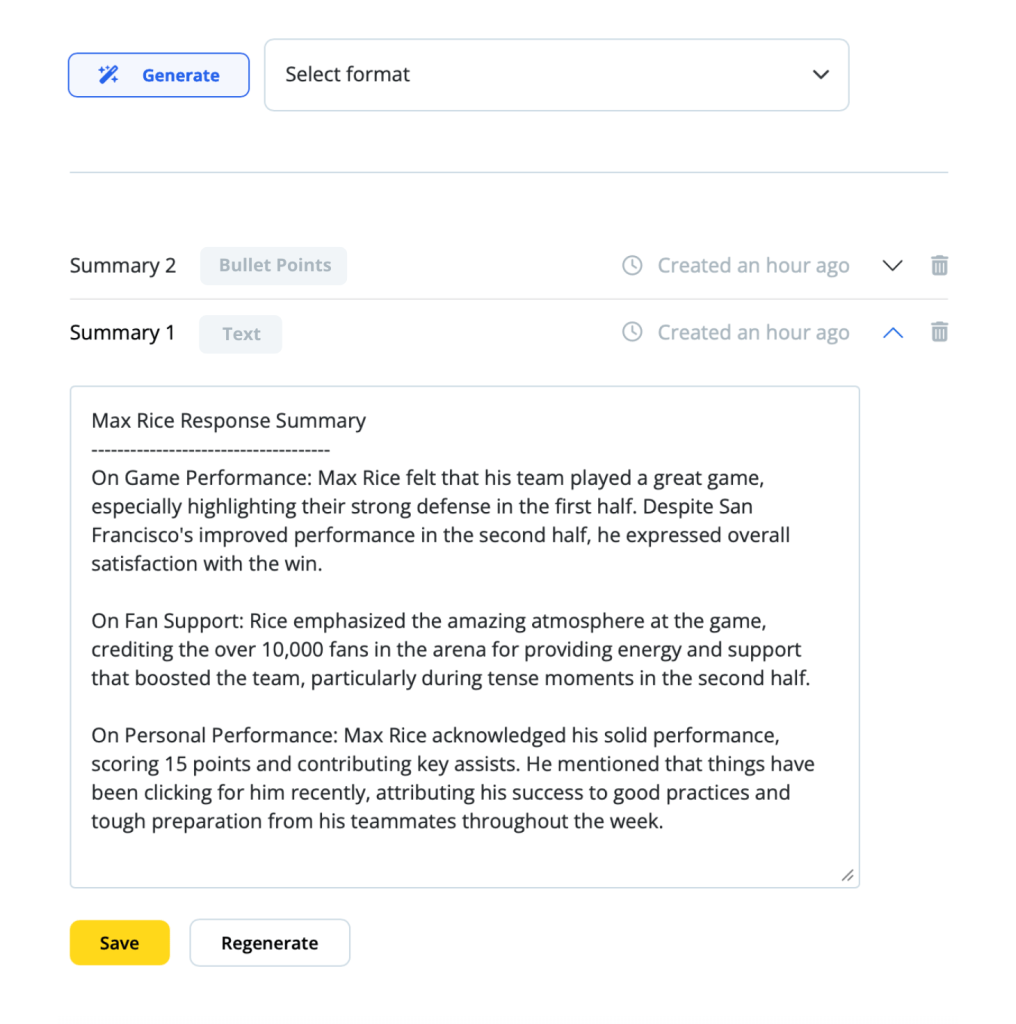
If you’re used to hand-transcribing press conferences and then manually summarizing those for media outlets and your website, your workflow is about to get easier. Get condensed takeaways of a transcript instantly, in both bullet-point and text formats. If you’re wondering which is best, consider this:
- Bullet-point summaries work best for quick scanning
- Text summaries can be dropped into recaps, notes, and emails.
3. In-transcript search
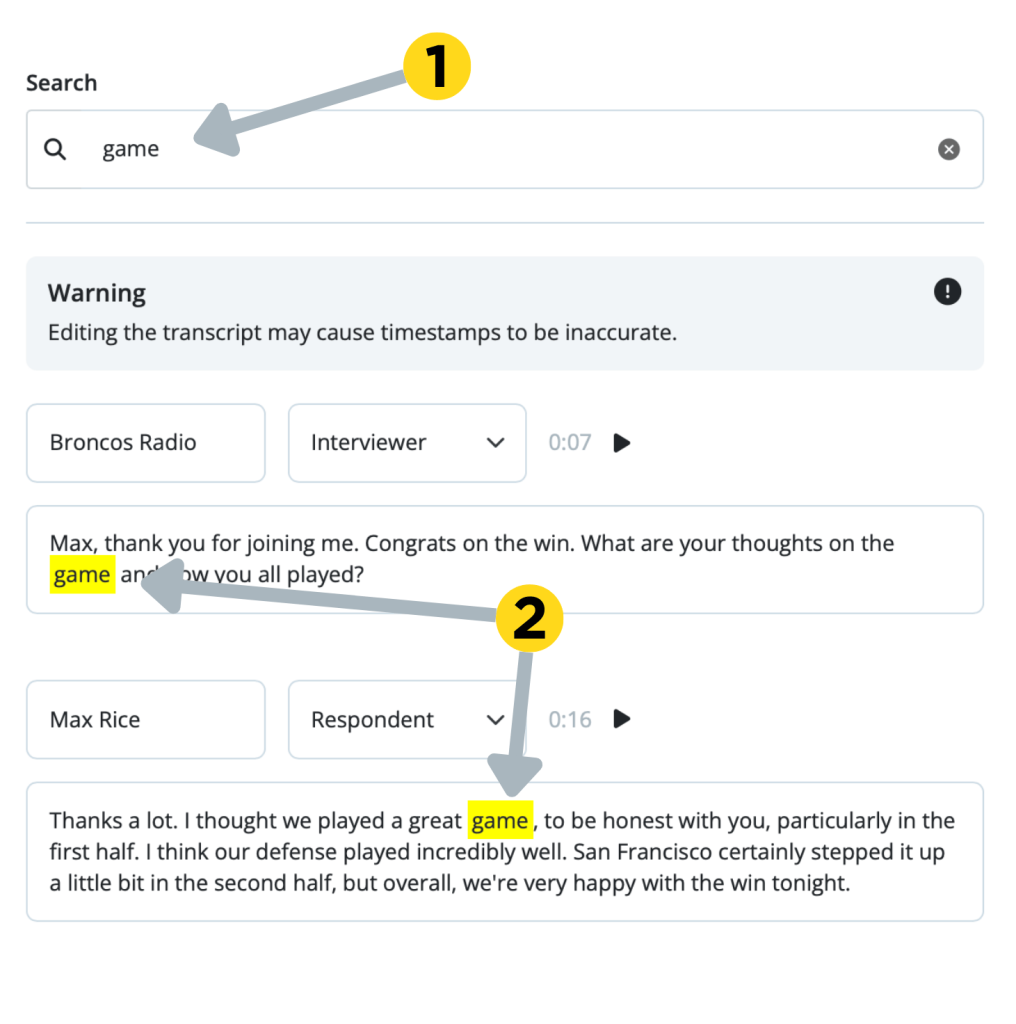
Jump straight to the moment you need inside a long transcript — a player quote, a coach comment on injury status, a turning-point sequence, you name it. It’s now available in seconds.
Simply search for the word or phrase you’re looking for and the search function will highlight the term in yellow. If there is more than one instance, pressing the ‘Enter’ key will toggle to the next location.
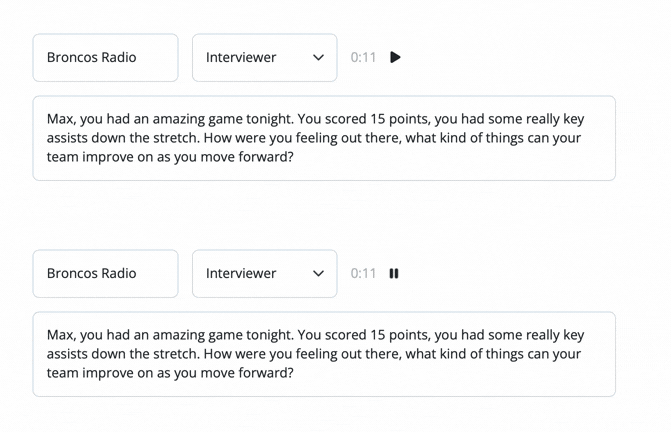
4. Play audio snippets from searched moments
Found the quote you want? Now you can play a snippet of the audio around that moment to verify tone and context before you use it. (soon, you’ll be able to download those snippets as well.)
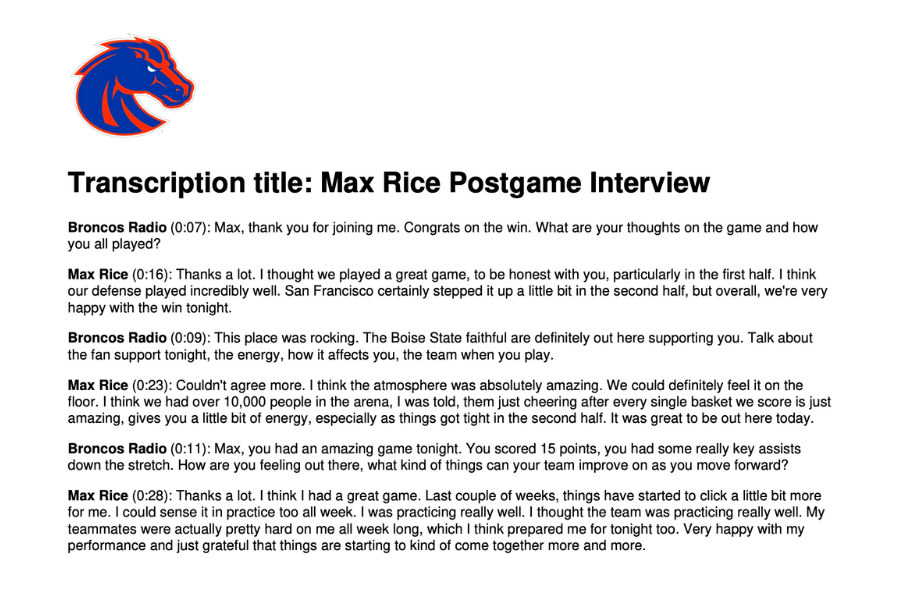
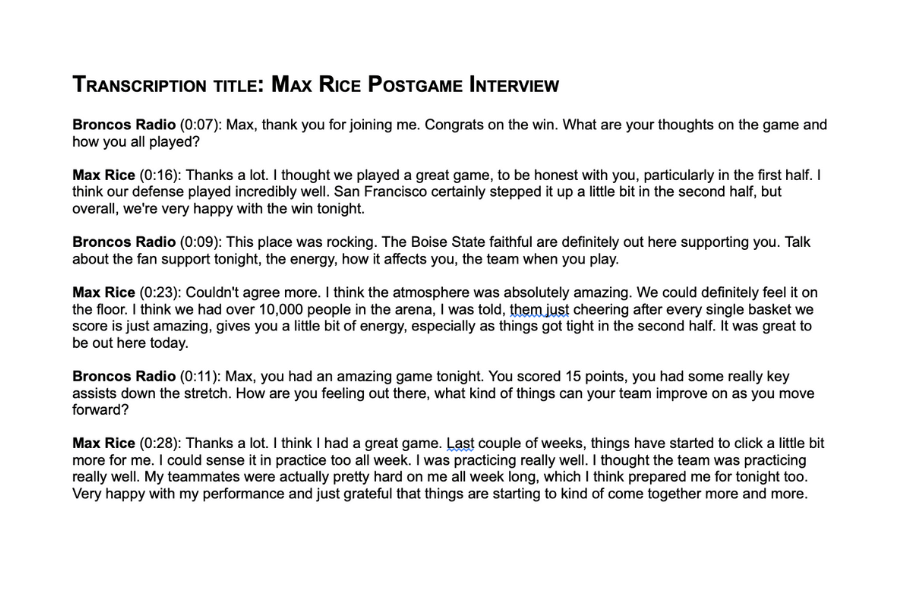
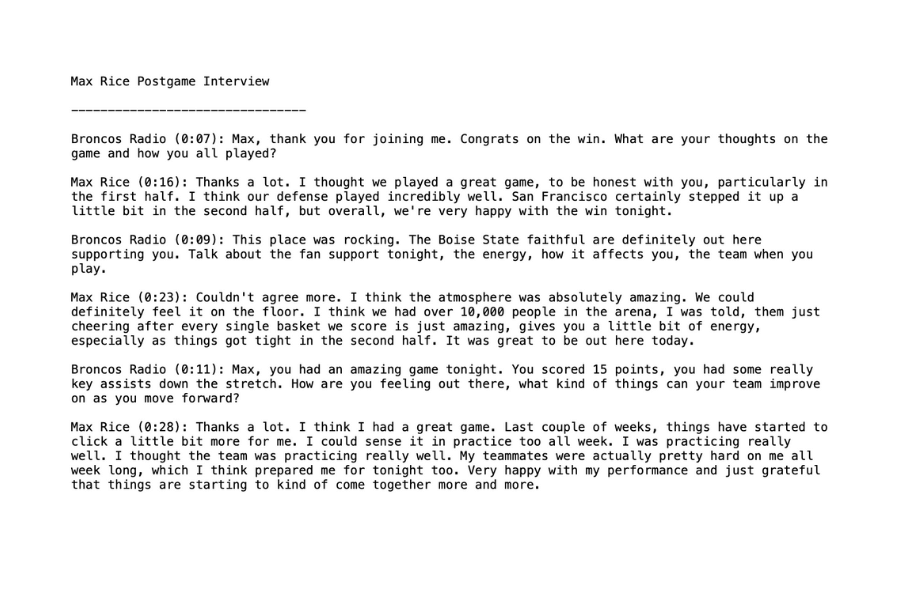
5. Export to branded PDF or DOCX and TXT file types
Export your transcript into a clean, formatted TXT, DOCX, or PDF file with your logo at the top, so it’s ready to share as an official postgame transcript document with timestamps (or for internal distribution).
Optimized for Your Workflow
These upgrades are designed to add to the usability of one of our core features, and create a workflow that’s:
- More versatile: You no longer need to go elsewhere to transcribe videos
- More reliable: Search-and-play audio snippets help you confirm accuracy and context
- More publish-ready: Branded exports and summaries give you a deliverable you can share immediately
Watch the entire process in action:
Available Now
Ready to try it? Open Transcriptions, upload your audio or video file, and let the new workflow do the heavy lifting. If you have questions or would like to learn more, schedule a demo.
